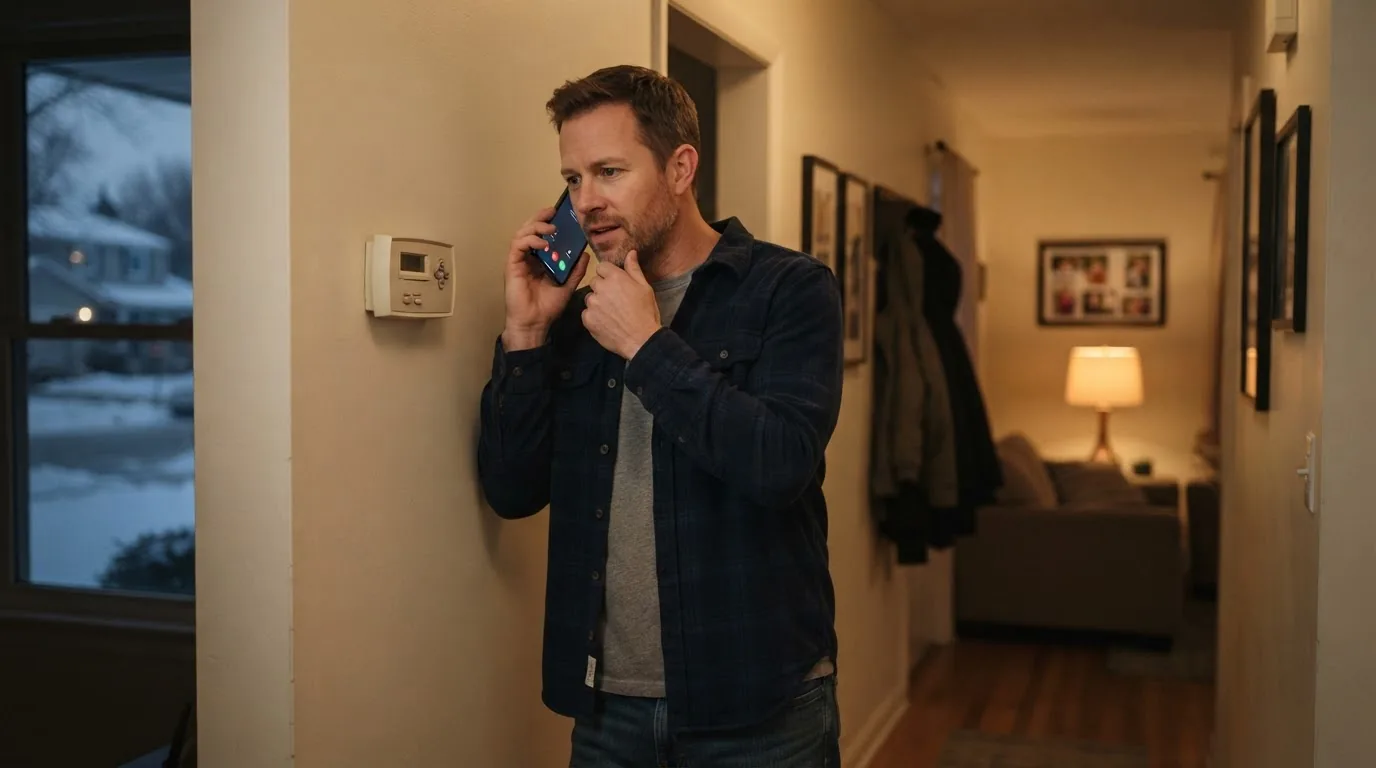
The phone rings at 9:00 on a Saturday night. A homeowner says his heat stopped working.
In a basic message-taking setup, the answering service may collect his name, callback number, address, and a short note: “No heat.”
The message reaches the HVAC company.
The phone was answered. The message was delivered.
And if that is all the service was configured to do, it did its job.
For an HVAC answering service configured primarily for message-taking, that may be exactly what the contractor hired it to do.
But the HVAC company may still have unanswered questions.
Is John a new customer or an existing one? Is the property inside the service area? What does the company’s after-hours policy say should happen with this type of request? Is there an on-call person? Should the call be transferred now, scheduled, or put into a defined callback path? And who owns that next step?
If those answers are not already part of the intake, someone inside the business still has to establish them before the request can move forward.
That is the distinction this article is about.
The call can be answered without the inquiry being fully captured.
Captured means the business has enough context to know what happens next.
When “Answered” and “Captured” Are Two Different Things
An HVAC owner looking for an answering service may be solving a straightforward problem: someone needs to pick up when the office can’t.
That problem is real. If nobody answers, the caller may still need help—and the business may never get the chance to handle the request.
So the natural solution is to find a service that answers reliably, sounds professional, and doesn’t let calls go to voicemail.
Some answering-service configurations focus primarily on answering the call, collecting the requested information, and delivering it to the HVAC company. Other services go further, with qualification, scheduling, transfers, or dispatch based on the contractor’s rules.
The assumption—often unspoken—is that once the call is answered, the opportunity is secured.
But here’s where the gap appears.
Answering the call and capturing the opportunity are not always the same thing.
A message that says “Customer needs service” may be accurate, but it doesn’t tell the dispatcher whether this is a repair call, a maintenance request, or a replacement estimate. It doesn’t say whether the caller is new or existing, urgent or flexible, inside the service area or outside it.
Without that context, the message becomes the starting point for another conversation—not the end of one.
The HVAC team still has to reconstruct what the caller actually needed before they can decide what to do about it.
Five Types of Calls, Five Different Paths
Not all HVAC calls are the same. And the information needed to handle each one properly can be very different.
Here’s what that looks like in practice:
“My heat isn’t working.”
This is a no-heat service request. Depending on the conditions and the HVAC company’s own policies, it may be treated as high priority or routed into an emergency or after-hours path.
The business may need to know: Is this a new or existing customer? What’s the service address? Is it inside the service area? What does the company’s after-hours policy say about this type of call?
The next step could be routing to an on-call technician, transferring to the office, booking an appointment, or capturing the request with a defined follow-up path—depending on that company’s rules.
A message that only says “no heat” leaves those decisions unmade.
“My AC is making a strange noise.”
This is a diagnostic or repair request. The caller is reporting a symptom: weak airflow, inconsistent temperature, water leaking, unusual sounds, or something that doesn’t seem normal.
The intake should capture what the customer is observing without attempting to diagnose the equipment over the phone.
The business still needs to know whether this is a new or existing customer, the location, and how the request should be classified and routed.
Without that, the message may say “AC problem,” but the dispatcher still has to figure out what kind of problem and what should happen next.
“I need my annual tune-up.”
This is a maintenance or seasonal service request. It’s usually less urgent than an emergency call, but it still needs to move through the right process.
The business may need to know: Is this an existing customer with a maintenance plan? What system are they scheduling for? What’s the preferred timeframe?
This type of call may follow a routine scheduling path rather than an emergency escalation.
If the intake doesn’t recognize that difference, the person receiving the message may still have to determine the correct job type and scheduling path.
“I want an estimate for a new system.”
This is a replacement, installation, or estimate request. The caller may be asking about replacing an aging furnace, air conditioner, heat pump, or other equipment.
This is an estimate or replacement opportunity rather than a routine repair request.
The business may need to know what prompted the inquiry, what type of system the customer is asking about, and whether this should be routed to a comfort advisor, sales team, or estimator.
A message that only says “customer wants a quote” doesn’t distinguish this from a service request—and may not route it to the right person or process.
“You were here last week and the problem came back.”
This is an existing-customer follow-up, warranty issue, or callback request.
The caller may be asking about recently completed work, a problem that returned after service, an existing appointment, or a warranty question.
This should not be treated like a brand-new sales lead.
The business may need to know: What was the original job? Who was the technician? Is this covered under warranty? What’s the customer’s history?
Modern HVAC service software—when configured and connected to those records—can surface that information during the call if the system recognizes the customer and connects the inquiry to prior work.
Without that context, the returning customer may be handled like a stranger—and the office has to reconstruct the relationship after the fact.
The pattern across all five examples:
Different calls require different information and different next actions. A response process becomes more useful when it recognizes that difference.
What a Response System Actually Does
The important lesson is not that every HVAC call needs more questions. It is that each call needs enough of the right information to reach the right next action.
That is where a response system goes beyond basic message-taking.
A message-taking service answers the phone, collects information, and delivers it.
A response system is designed to understand the reason for the call, establish the necessary context, apply the HVAC company’s approved rules, and move the inquiry toward a defined outcome: book it, route it, transfer it, escalate it, capture it for follow-up, or involve a person as appropriate.
AnswerCapture is designed as a response system for phone-driven service businesses, with AI reception as one component rather than the whole product.
The larger purpose is to give each inquiry a defined response path—so it can be understood, routed, booked, handed off, or followed up according to the HVAC company’s rules.
Here’s how that works in practice.
The call is answered, and the system first determines why the person is calling
AnswerCapture is configured with industry-specific intake logic rather than asking every caller the same list of questions.
The first job is to identify the intent of the call and gather the information needed for that particular type of request.
The system is designed to identify:
- the caller’s intent,
- whether this is a new or existing customer,
- urgency,
- service area,
- and the information required for that call type.
From there, the next questions depend on what the caller actually needs.
A new service request, an existing-customer problem, an estimate request, a scheduling question, and a caller asking for a person should not all follow the same path.
New versus existing customer status is established—not assumed
AnswerCapture’s design distinguishes new leads from existing customers.
Depending on the individual client’s implementation, status can be established from what the caller tells the system and, where a CRM connection has been configured and tested, from the connected customer records.
The important operational distinction is that once the caller is identified as an existing customer, the system should not continue treating that person like a brand-new sales lead.
Routing follows the HVAC company’s rules
AnswerCapture does not invent routing decisions on its own.
Once the reason for the call and necessary context are established, the system follows rules defined and approved for that particular HVAC company.
Those rules can account for things such as:
- business hours versus after-hours,
- service area,
- call type,
- new versus existing customer,
- booking eligibility,
- staff or department,
- human-request triggers,
- escalation requirements,
- and fallback behavior.
The possible next actions include booking, transferring, escalating, beginning follow-up, or capturing the request for human action.
The system does not decide how the HVAC company should operate. The company defines the rules; AnswerCapture applies them to the call.
Human handoff is a path, not just a transfer button
When a caller asks for a person—or the call reaches another approved boundary—the system should stop the normal automated flow and enter the human path.
The handoff design should have:
primary destination → fallback destination → unavailable path
For example, one company might send a new estimate inquiry to the office first and the owner second. An existing-customer issue might go to the office and then a service manager. If nobody is available, the system may capture the request and create the approved alert or follow-up action.
AnswerCapture’s documented design treats human handoff as infrastructure with primary, fallback, and unavailable paths rather than simply instructing the AI to “transfer the caller.”
The exact structure depends on how that particular HVAC business wants calls routed.
The call ends with an outcome, not just a transcript
This is the part that changes what “captured” actually means.
A recording or transcript tells you what was said.
The operational question is: What happened because of the call?
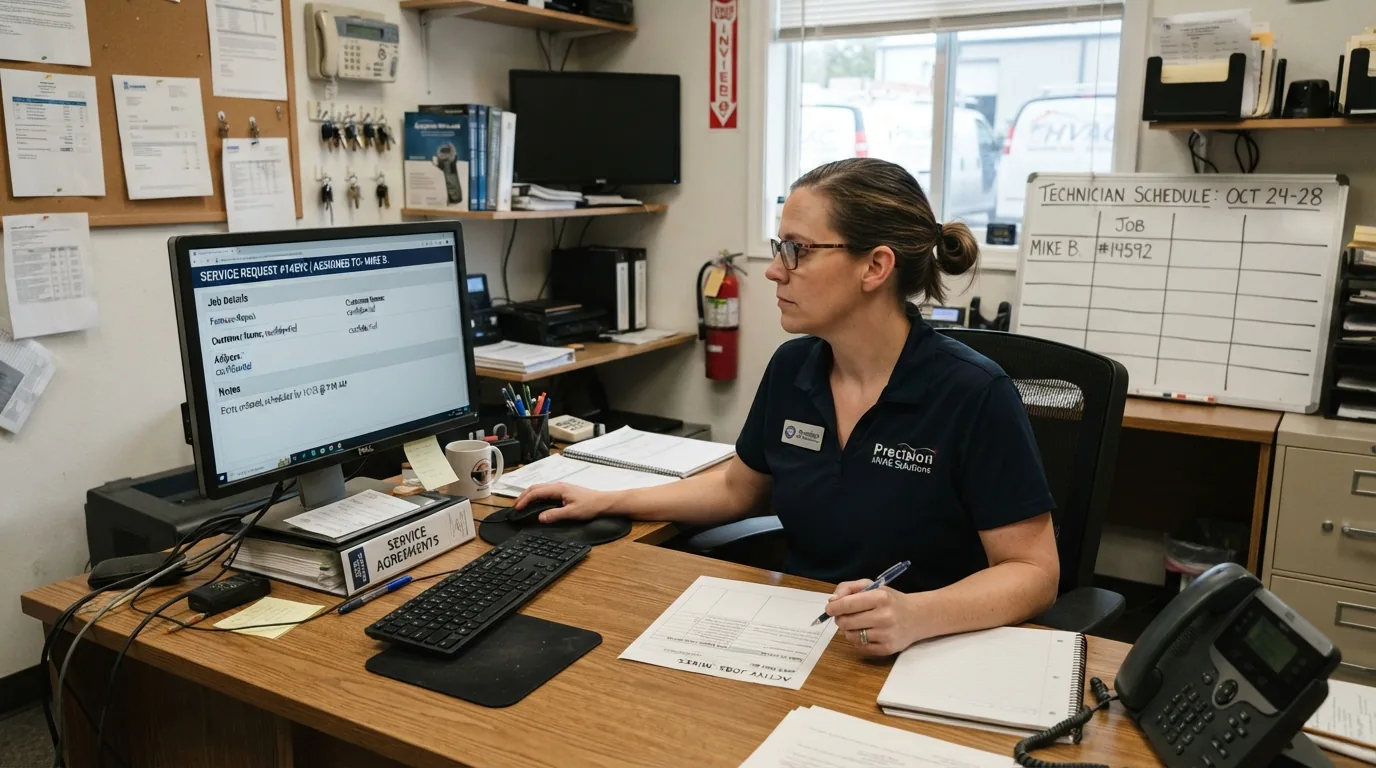
The AnswerCapture design is built to record explicit outcomes such as:
- booked,
- transferred successfully,
- transfer failed,
- follow-up required,
- message taken,
- escalated,
- caller abandoned,
- or unresolved.
That brings us back to the Saturday-night call from the beginning of this article.
At 9:00 Saturday night, “John called about no heat” is information.
“John called about no heat, the approved after-hours path was followed, and the next action now belongs to the designated person” is an operational outcome.
That is the difference between answered and captured.
The Technology Has Limits
Neither AI nor a human answering service should be expected to invent the contractor’s operating policy.
The system still needs the HVAC company to define things such as:
- what qualifies for after-hours handling,
- which calls may be booked,
- who receives each call type,
- service territory,
- transfer and escalation contacts,
- what happens if nobody answers,
- and where automation should stop.
The technology can carry out a response process. It cannot replace the need to design one.
AnswerCapture is a managed response system. The HVAC business supplies and approves its operating rules, and AnswerCapture configures and tests the response paths around them.
The voice agent is one component of the broader system, not the product by itself.
Good automation is not defined by how long it can keep talking. Part of good design is knowing when the automated path should stop and a person should take over.
AnswerCapture does not diagnose equipment. It does not independently decide what constitutes an HVAC emergency. It does not create company policy or replace all human contact.
It follows the rules the HVAC company has already approved and is configured to stop the automated path when an approved human-handoff boundary is reached.
Where This Thinking Came From
I built AnswerCapture because I had already lived through the problem it is designed to solve.
Years ago, I owned an HVAC company. We did a lot of home shows. We used lead takers and salespeople, and we were able to generate plenty of interest.
The problem I didn’t appreciate enough at the time was what happened after we generated that interest.
Our tracking and follow-up systems were rudimentary. A lead could come back from an event and technically be “ours,” but that did not mean somebody had followed through properly, knew who owned it, or had moved the customer toward a clear next action.
Looking back, that produced an important realization: the opportunities were already arriving. A big part of the breakdown was what happened after that interest came back to the business.
That experience is why I don’t define a captured opportunity by whether someone picked up the phone. I look at whether the business knows what happened and what happens next.
Years later, when I started working with AI, I thought the business opportunity was the AI voice agent itself. But as I studied the problem and talked with business owners, I realized the voice agent was only one piece.
The more important questions were what happened after the person called—and whether the inquiry reached a defined next step.
That was the shift that led to AnswerCapture as it is positioned today.
How to Choose an HVAC Answering Service
Whether you are evaluating AnswerCapture or another provider, the questions below can help you judge what the response process does after the call is answered.
Ask prospective providers:
1. What information will you collect for different call types?
Does every caller get the same script, or can the process distinguish service calls, maintenance requests, replacement estimates, and existing-customer issues?
2. Can the process follow our actual after-hours and routing rules?
Who gets a no-heat call? Who gets an estimate request? What happens when the first person does not answer?
3. How are new and existing customers handled differently?
4. What happens when the caller asks for a person?
Is there a defined transfer and fallback path?
5. Can eligible calls be scheduled or moved to the appropriate next action instead of only taking a message?
6. What happens when a transfer fails?
7. What does our team receive after the call?
A generic message, or enough context to understand the request and next action?
8. Can we tell what actually happened to the call?
Was it booked, transferred, escalated, left for follow-up, abandoned, or unresolved?
The purpose of this checklist is to help you evaluate the response process, regardless of vendor.
The Call Is Not Captured Until the Next Step Is Clear
Go back to John’s Saturday-night call from the beginning of this article.
His heat stopped working. He called at 9:00 PM. Someone answered.
The question is no longer simply, “Did somebody answer?”
The better question is, “Did the call leave the business knowing what happens next?”
If you are searching for an HVAC answering service, that is the shift this article is asking you to make.
Answering the call matters. But the real value is what happens after the answer.
Want to hear what this kind of response process sounds like in practice?
Try the live AnswerCapture demo and talk with Riley, our AI receptionist for a fictional HVAC company.
See how AnswerCapture works, or hear it handle a call in the live demo.